🗄️ 1.2.24 - Changelog - 2nd of October, 2024
1.2.24 - Changelog - 2nd of October, 2024
Hey there! Today we’re releasing Lazy 1.2.24 which introduces some important bug fixes, and UI improvements.
🔧 Improvements
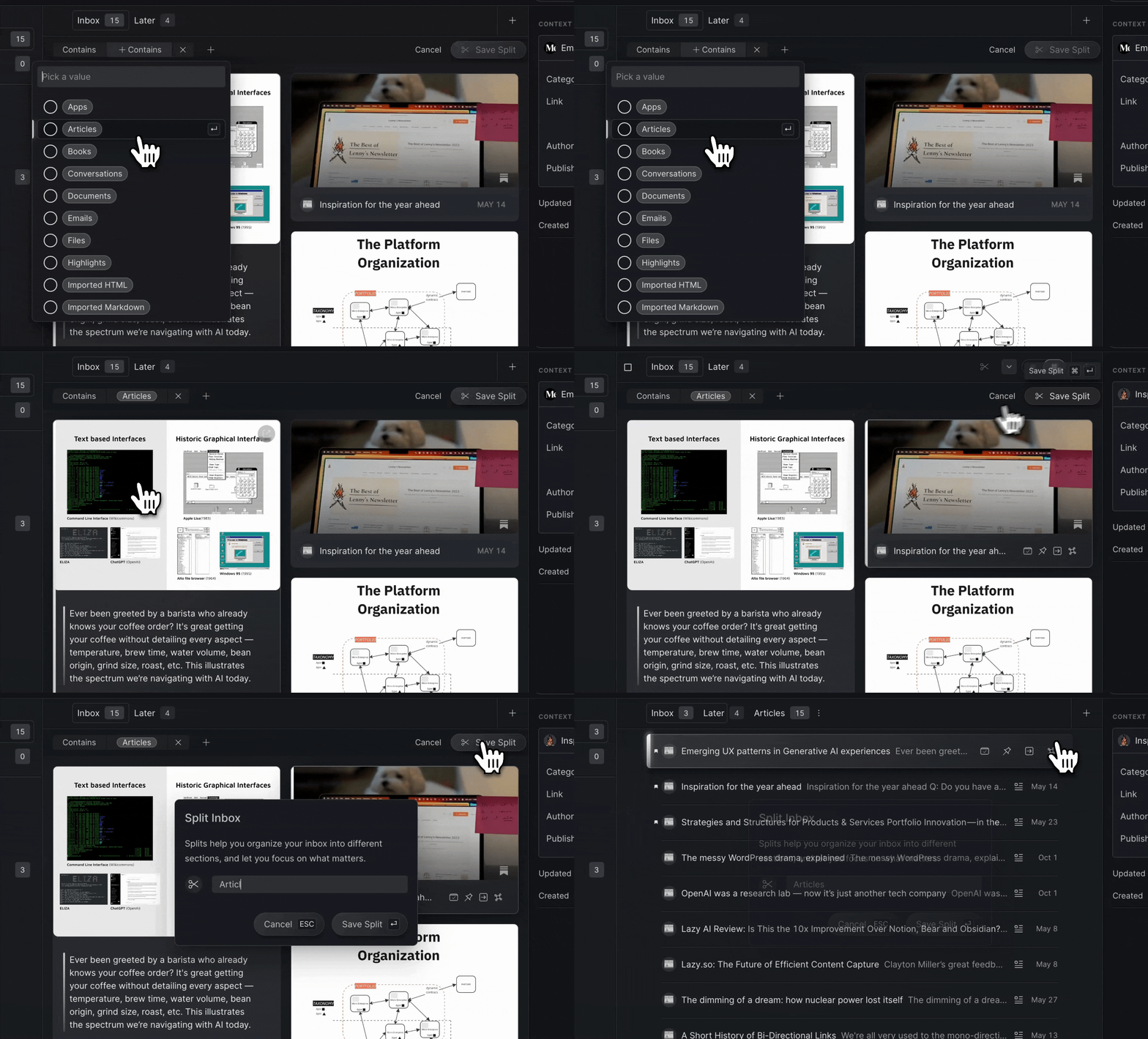
We’ve improved the filtering experience to make it faster to create Splits and Views. Now, to select multiple filter options at once, simply click the checkmarks, or select the name of a filter to select and close the filter menu.
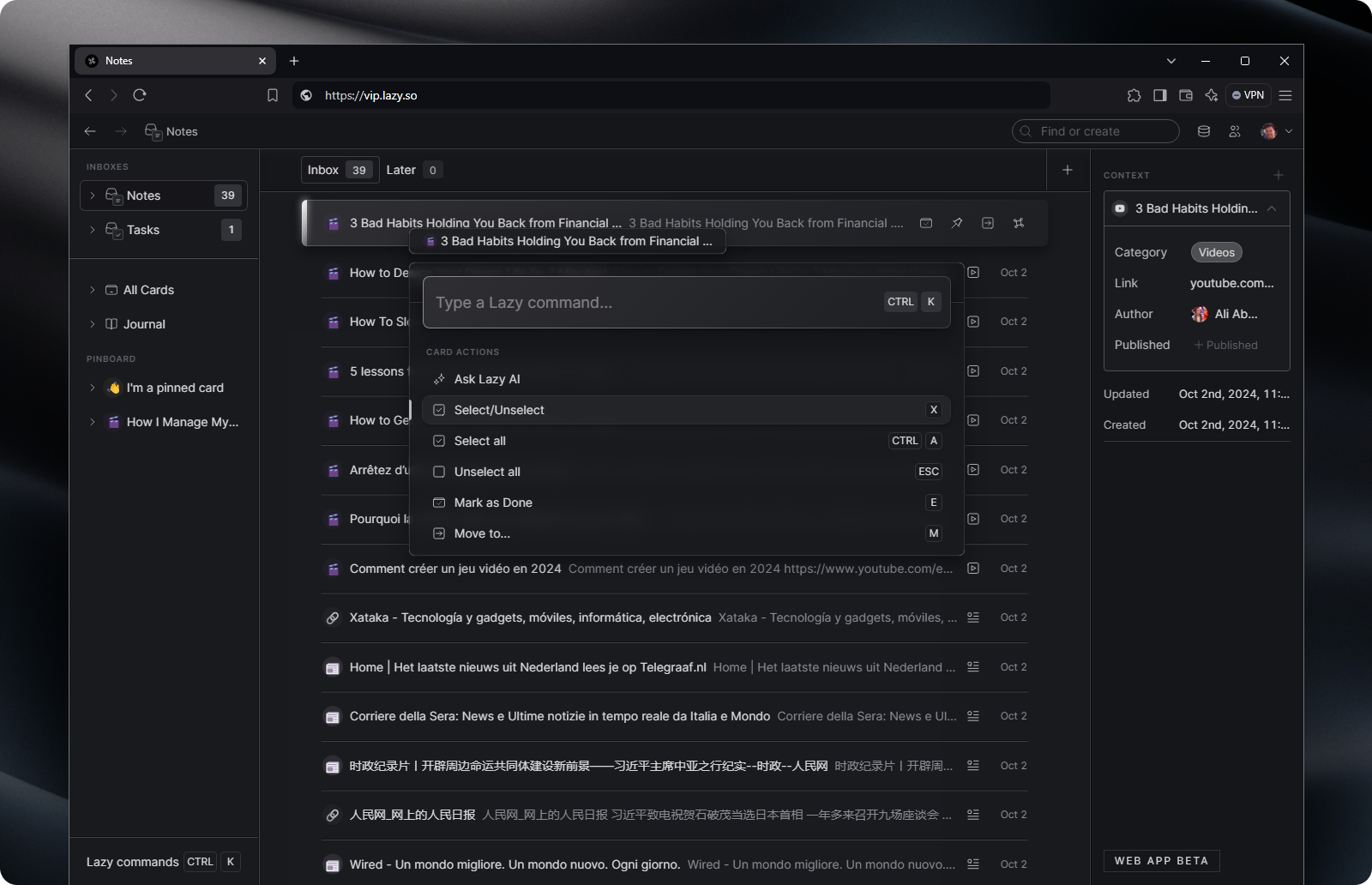
Added support for Windows hotkeys on the Lazy Web App Beta. You can now use CTRL+ K and a myriad of other keyboard shortcuts in order to speed up your workflows on the Lazy Web App on a PC.
We’ve improved our parsing to better identify articles as the correct category.
When using Lazy AI on top of text in Lazy, the Replace function has been improved to avoid replacing content which has nested cards or backlinks in it.
We’ve improved the way that Lazy’s text editor handles dividers and whitespace. This should make the capturing of websites, Lazy AI outputs and the pasting of Markdown-formatted text into Lazy more reliable.
🐝 Bugs
Improved support for capturing Substack articles which are hosted on custom domains.
Lazy’s Youtube video player will no longer default to being muted.
The filter search won’t reset after you select an option anymore.
Fixed a bug which was causing a couple of Authors from appearing in the People list inadvertently.
We fixed an issue where code-blocks were able to go off the page on public cards.
FIxed a bug that was causing the Lazy AI Insert/Replace buttons to not correctly insert text into a Lazy note, if the Lazy AI prompt came from a custom prompt from the user.