🔧 1.2.22 - Changelog - 28th of August, 2024
Hi there! Today we’re releasing Lazy 1.2.22 which introduces some improvements and bug fixes.
🔧 Improvements
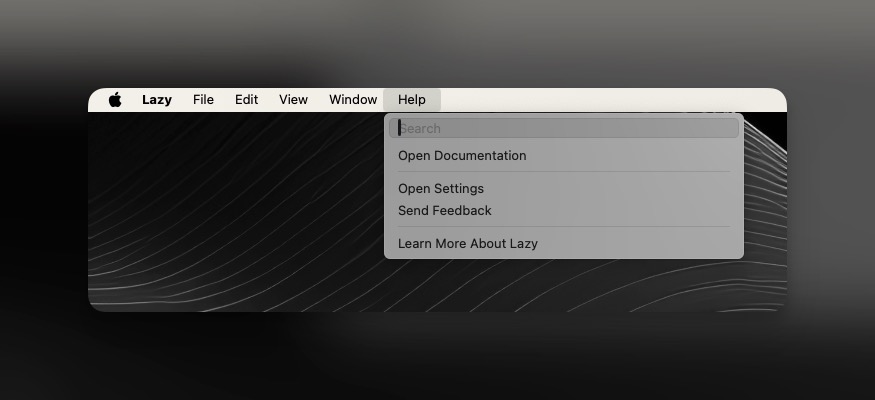
We’ve added new buttons to the Help section in your Menubar to make navigating to our Documentation, Changelog and a couple other important docs more easily accessible.
We’ve re-enabled the
⌘ , hotkey to open Settings in Lazy more quickly.We’ve improved the ⌘+K listings to show the most important commands as quickly as possible.
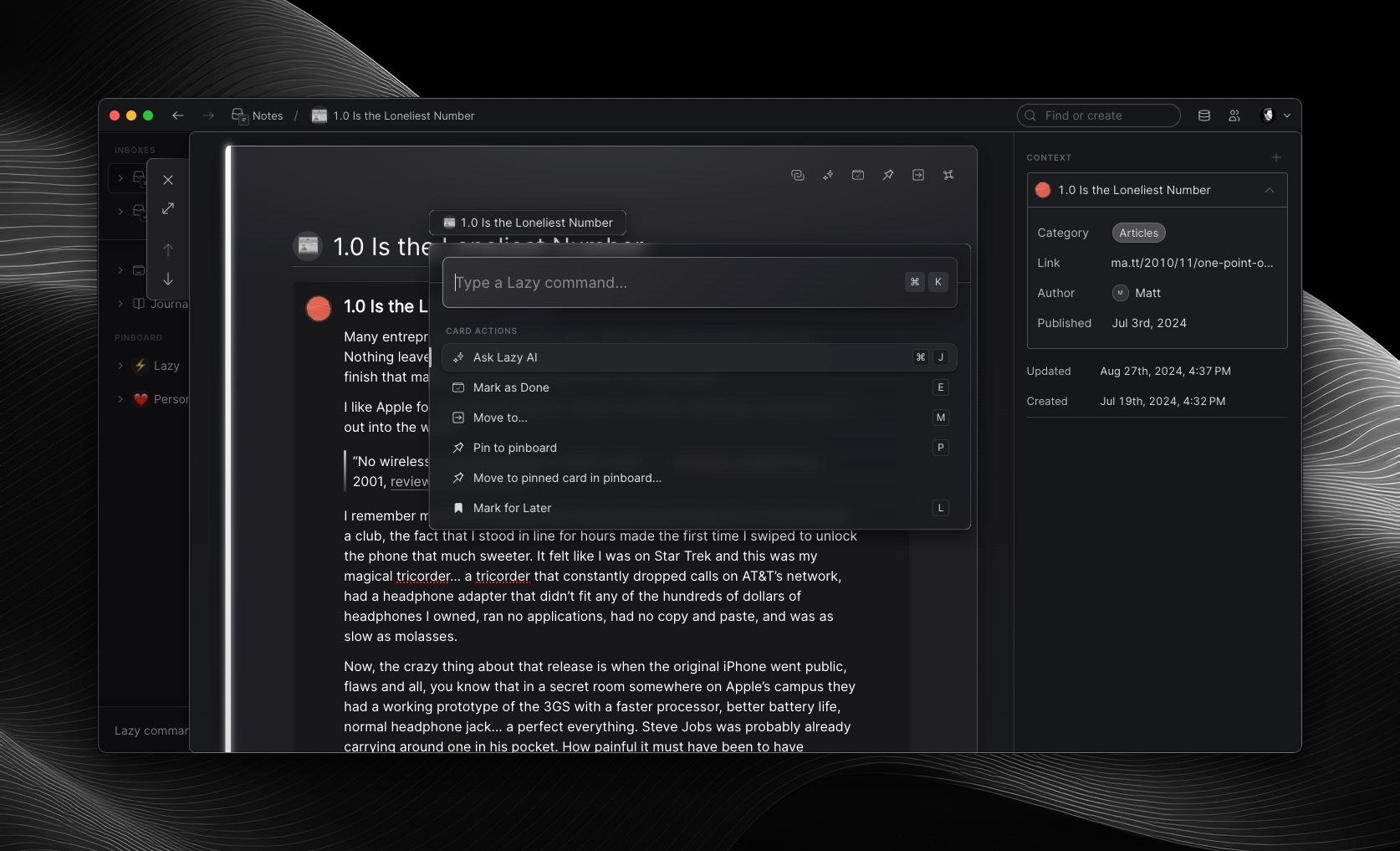
We’ve added support for the ⌘+K commands for setting the Gallery/List mode to Pinned Views.
While we continue to work on our importing infrastructure, we’ve introduced new import limits which should better protect against performance issues. The new limits limit each imported card to be 100KB, with a total import of 2MB of cards at a time.
We’ve made improvements to the Published Date value in Lazy, allowing you to set custom Published Dates for all of your Sources. We’ll continue to roll out improvements to this to automatically identify the Published Dates from sources you capture from.

We’ve made an improvement to the way that the app parses web articles with Lazy AI, to send text rather than HTML. This should make AI capturing faster, and less prone to hallucinating, especially when using custom prompts.
🐝 Bug Fixes
We fixed an issue that was preventing Lazy from capturing H2 headings on articles from the likes of Medium, Substack and other pages.
Fixed a bug that was causing Lazy to show a blank capture after moving a capture.
Fixed a bug that was failing to show some avatars in the top right of Lazy.
We fixed a misalignment in the trash button.
We fixed a bug that was causing backlinks to not appear in-line on Public Cards.
We fixed a regression to the ‘Add person as context’ command in ⌘+K.
Fixed an issue with the Toaster banner not scaling correctly when you have Lazy minimised.
We fixed bugs which were causing the documentation to appear in Tags/Backlinks and elsewhere in the app intrusively. Now, the documentation is being limited to being displayed in your account menu, or by doing ⌘+P then ‘Lazy Documentation’.